
 Go
Go Years ago I wrote ILib, a small C library for reading, drawing on, and saving images. It has always been one of my favorite little projects — simple, dependency-light, and genuinely handy. Recently I ported it to Go as ilibgo, and along the way it picked up a few new tricks I’m excited to show off.
Most image work in Go means reaching for a pile of third-party packages — one for QR codes, another for charts, yet another for text rendering. ilibgo is a single, pure-Go image library that does all of it, with no required dependencies beyond golang.org/x/image. You can read, create, draw, and save images, and a set of small bundled tools shows off what that foundation can build. Here are a few of the most interesting things it can make.
QR Codes, No Dependencies
ilibgo ships a reusable, dependency-free QR code encoder as its own qr sub-package. Point it at a URL or any string and you get a scannable code you can drop straight into a PNG — perfect for tickets, business cards, or links in printed material.
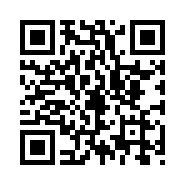
Because the encoder is pure Go, there’s nothing to apt install and no C bindings to fight with. It just compiles into your binary.
Bar Charts From Plain Data
The chart tool turns simple label=value data into a clean bar chart — labeled axes, value callouts, and a title, rendered as an image you can serve or embed anywhere.
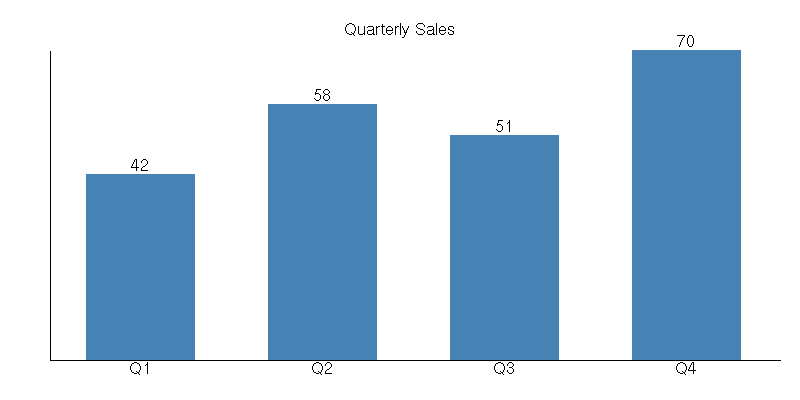
No browser, no JavaScript charting library, no headless rendering step. It’s the kind of thing that’s genuinely useful for a nightly report or a status email.
And Plenty More
The same drawing core powers a whole set of bundled example tools:
- CAPTCHA — distorted-text challenge images
- Sparklines — tiny inline trend graphs from a list of numbers
- Watermark — overlay semi-transparent text across an image
- Barcode — Code 39 barcodes
- Reduce colors — median-cut palette reduction
- Mandelbrot, montage, thumbnails, font sheets, and more
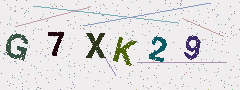
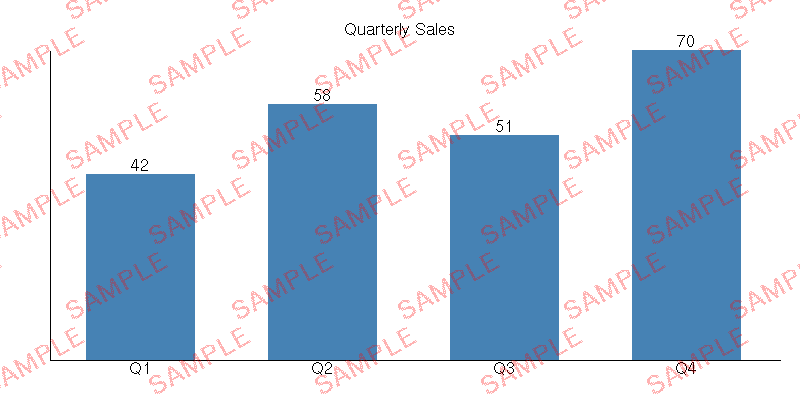

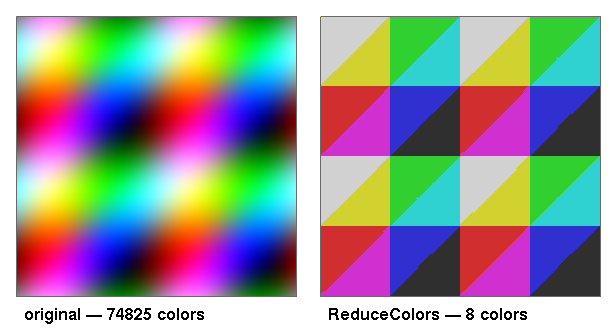
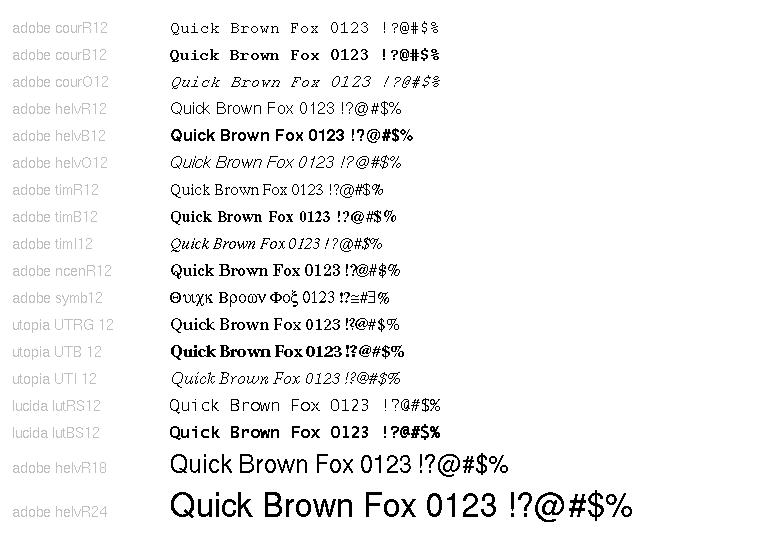
Under the hood you also get real drawing primitives — lines, arcs, circles, polygons, Bezier and Catmull-Rom curves, flood fill — with optional anti-aliasing and source-over alpha compositing. Text rendering works with both embedded X11 BDF bitmap fonts and scalable, anti-aliased TrueType/OpenType fonts.
Getting Started
Install it with go get:
go get github.com/craigk5n/ilibgoThen draw and save an image in a few lines:
white, _ := ilibgo.AllocNamedColor("white")
img := ilibgo.CreateImageWithBackground(240, 80, white)

gc := ilibgo.CreateGraphicsContext()
blue, _ := ilibgo.AllocNamedColor("steelblue")
ilibgo.SetForeground(&gc, blue)
img.FillRectangle(gc, 10, 10, 220, 60)

out, _ := os.Create("hello.png")
defer out.Close()
ilibgo.WriteImageFile(out, img, ilibgo.FormatPNG)
Every bundled tool is its own package main, so you can run any of them directly — for example go run ./qrgen or go run ./chart — and read the source to see how it’s built.
Why Pure Go?
ilibgo was ported from my original C library, ILib, keeping an API close to the familiar X11 graphics functions. The Go version stays true to that simplicity while gaining cross-platform builds, static binaries, and easy integration with the standard image and image/draw packages — an *ilibgo.Image implements both interfaces.
If you’ve ever wanted to generate a QR code, a chart, or a watermarked image from a Go service without pulling in a dozen libraries, give it a look.
Source and docs: github.com/craigk5n/ilibgo · Released under the LGPL v2.1.



Leave a Reply